For your church Executive Board, Clerk, Lecture Committee, Reading Room Librarian, and Joint Media Representative
Christian Science Joint Media Committee Information
What is the CS Joint Media Committee of Southern California?
We are an important outreach and healing arm of the Christian Science branch churches and societies of Southern California. The Committee supports and facilitates activities that individual churches would not be able to maintain on their own. Representatives from churches and societies in SoCal serve on the committee. Find out more
- Duties of the Joint Media Reps from branch churches and societies See details
- Recap of Joint Media Roles – Joint Media Rep, Clerk, Executive Board Members, Lecture Chair, Reading Room Librarian, Sunday School Superintendent PDF
- Biennial Joint Media Regional Meeting Schedule & Replays View now
- Bylaws PDF
- Church Contributions Summary for Joint Media Reps Summary
Church Resources & Promotional Materials
- Artwork for Posters, Labels & More – New 2026 Thanksgiving posters, banners & flags! To print
- Desk Announcements Share
- Digital Displays for Reading Rooms View
- Outreach Calendar highlighting opportunities to share Christian Science View
- Visitor Report Form Link to Online Form, PDF to Print
- Websites and Social Media Links and intro video
- Video Presentation of LA World Cup Outreach (5 min.) Watch
Online Marketing Resources for Churches
Find instructions, videos, and resources to help your church improve its online presence, promote events, and reach your community.

How Prayer that Heals Promotes Christian Science, made possible with your support. Watch the explainer Prayer that Heals Online Marketing video

Online Marketing: Meet Our Team
This new 5-minute video features our team presenting an overview of Prayer That Heals’ online marketing activities. Churches are welcome to share it at membership meetings to help members learn more about our outreach efforts. Watch our 5-Minute Online Marketing Team Presentation
Websites, Google & Social Media
Create or update your church website
Learn how to create and maintain a church website on PrayerThatHeals.org. We are available to help you. See instructions
Improve your church or Reading Room Google listing
Keep your Google Maps and Search information accurate and up to date. Google Business Profile Instructions | Watch the instructional Google Business Profile management video
Lecture & Event Promotion
List your lecture or special event on PrayerThatHeals.org
Submit your event information through Contact Us, and email us a PDF of your flyer.
Facebook & Instagram advertising for SoCal lectures
Learn about Joint Media advertising available for lectures. Lecture Advertising Guidelines
Church Services & Reading Room Advertising
Facebook & Instagram advertising for SoCal church services, Sunday school or reading rooms. See details & FAQ
Thanksgiving Advertising & Sharing Resources
Advertising for Thanksgiving services
The Joint Media Committee funds Facebook, Instagram and Google advertising for Thanksgiving services across all nine Southern California counties. Ads direct viewers to our Thanksgiving webpage. There is no cost to churches, and no action is required.
Share Our Thanksgiving Webpage
While churches won’t be able to see the Thanksgiving social media ads directly, you can help spread the word by sharing the Thanksgiving landing page linked from our ads. Simply post the link on your church’s social media page or include it on your website, or in an email. You may also use the Share this page button on prayerthatheals.org.
The webpage is updated each year, so you can continue using the same link.
Thanksgiving Graphic for Google Business Profile – New!

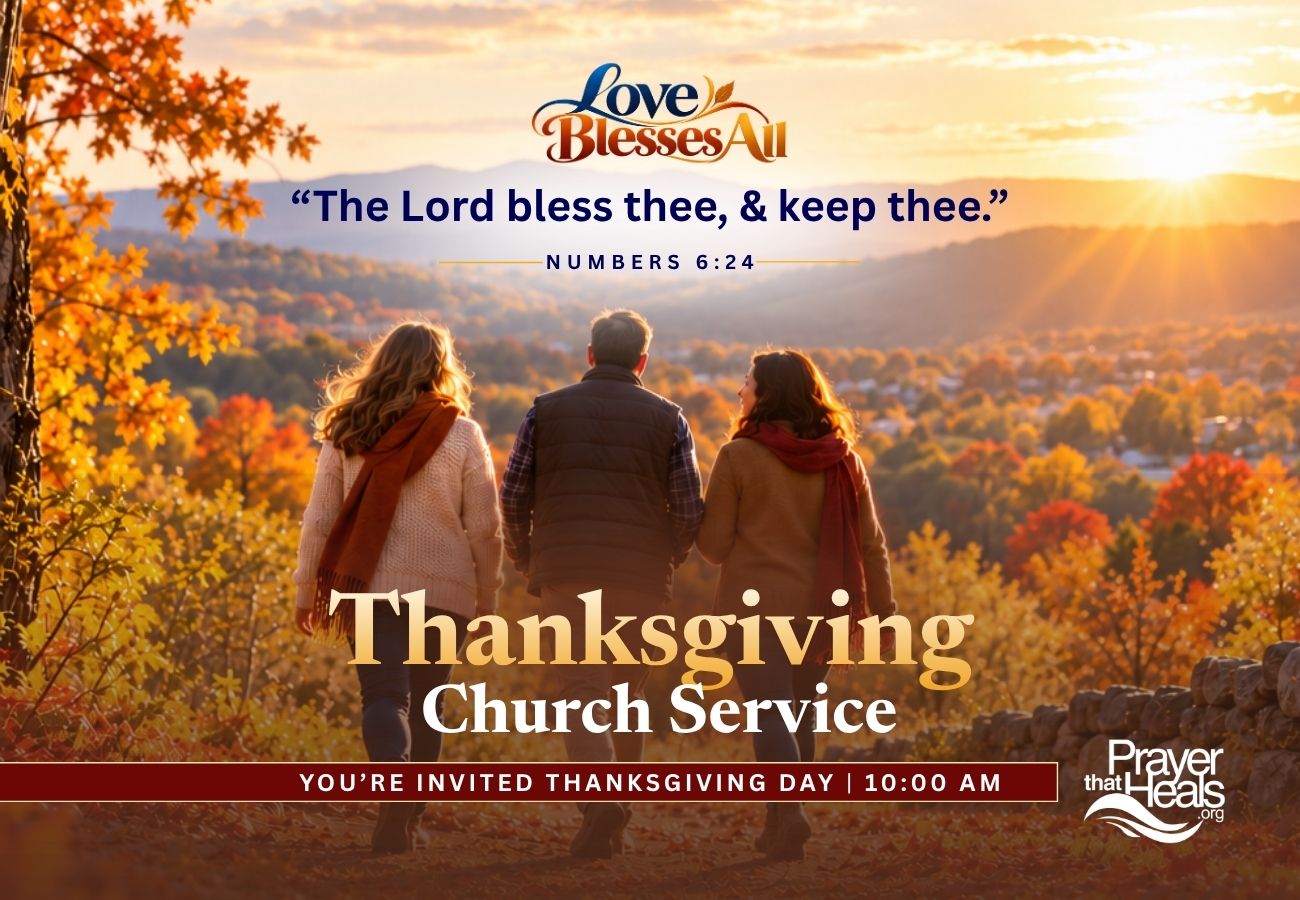
Download our Thanksgiving graphic to promote your church’s service on Google Search and Maps.
Download Thanksgiving Graphic for Google
How to Add Your Thanksgiving Service on Google
To post, your church must have access to its Google Business Profile. If your listing hasn’t been claimed, see our Google Business Profile Instructions for help claiming and verifying it.
- Sign in to Google with the email account that manages your church’s Google Business Profile.
- Go to Google Search and enter your church’s name.
- Under your Business Profile management options, select Posts → Add Post → Add event.
- Enter Thanksgiving Church Service as the event title, along with the service date and start and end times.
- Upload the Thanksgiving graphic and add a short description inviting your community to attend.
- Select Learn more and link to our Thanksgiving webpage.
Please check back often. Information and instructions may change at any time.
11/19/26